Menus for restaurants & cafes in the Philippines
Search cravings. Check menus. Choose where to eat.
Photos of every dish, descriptions in full, allergen tags front and center, sold-out items hidden in real time. Customers inspect the menu before visiting, then scan at the restaurant when on-site ordering is available.
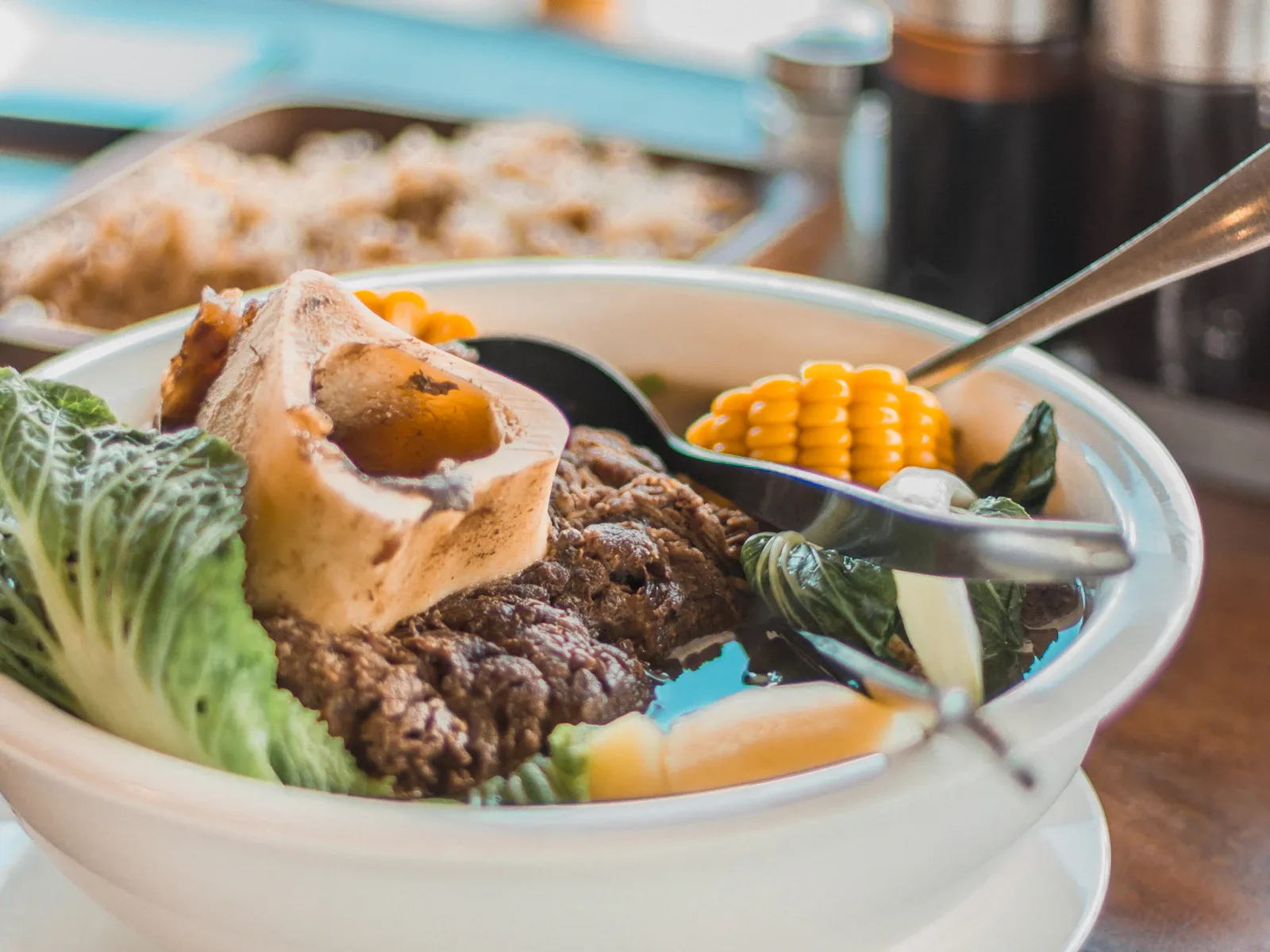
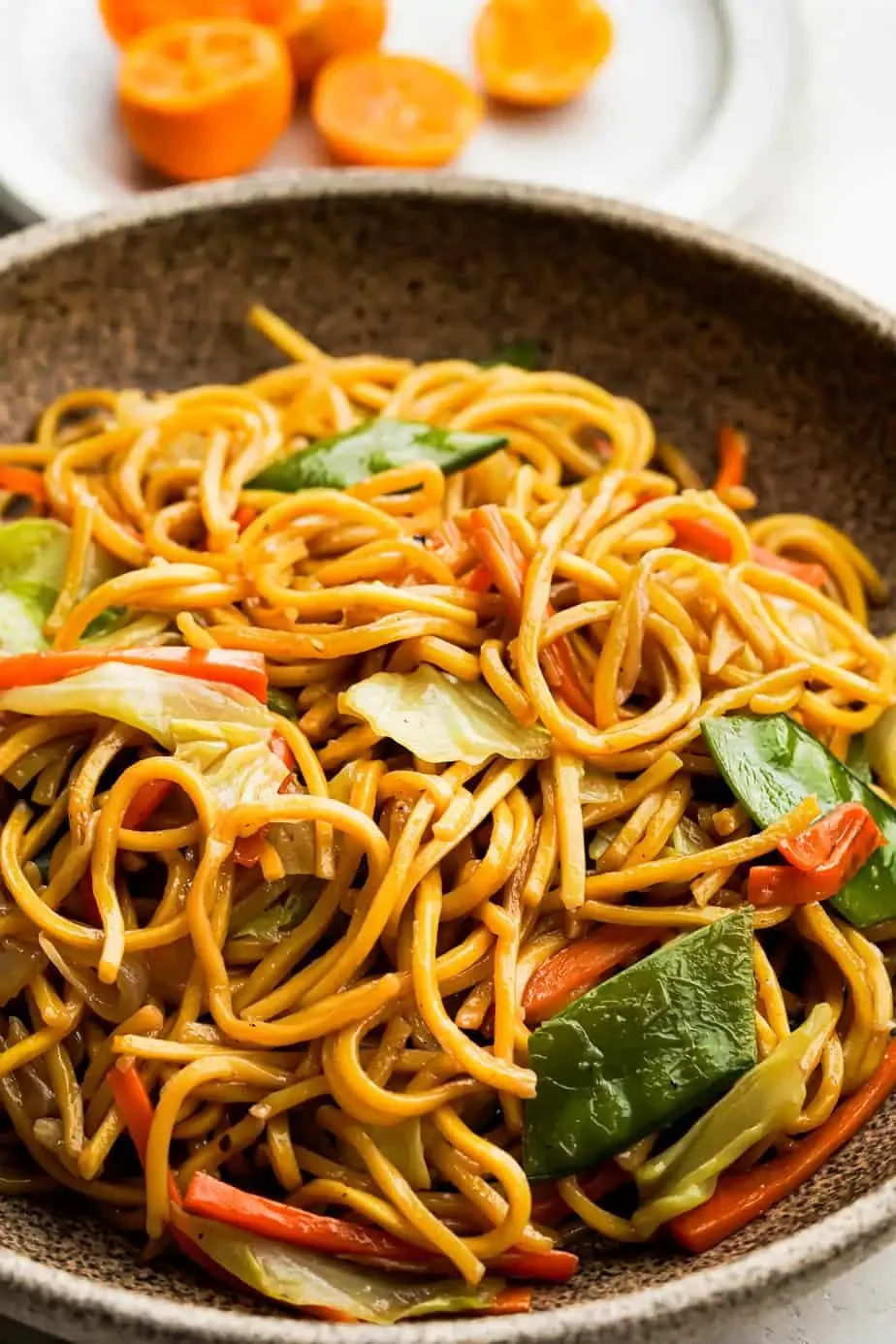

Your menu, but better
Everything a printed menu can’t fit, your phone can.
Photos for every dish
Real food photos, full size. No more guessing what a dish looks like before it lands on the table.
Descriptions in full
Ingredients, prep style, what comes on the side. Your menu finally has room to tell the whole story.
Allergens up front
Tag dishes with peanut, dairy, shellfish, gluten — visible next to every item, never buried in fine print.
Live availability
Mark items sold out the moment you run out. Customers never order something you can’t make.
How customers choose
Customers find what they crave, check the menu, then decide where to eat.
The primary v1 path is menu discovery: search, open the public menu, inspect dish details, then visit. Counter, table QR, and kiosk ordering are on-site expansions for restaurants that enable them.
Search the craving
Customers search for a dish, cafe, or restaurant and open a public branch menu before they decide where to go.
Inspect the menu
They check photos, prices, descriptions, allergens, spice notes, and availability without submitting anything remotely.
Visit or scan on-site
When they arrive, a branch QR, table QR, or in-store kiosk can unlock the restaurant's on-site ordering flow.
Behind the counter
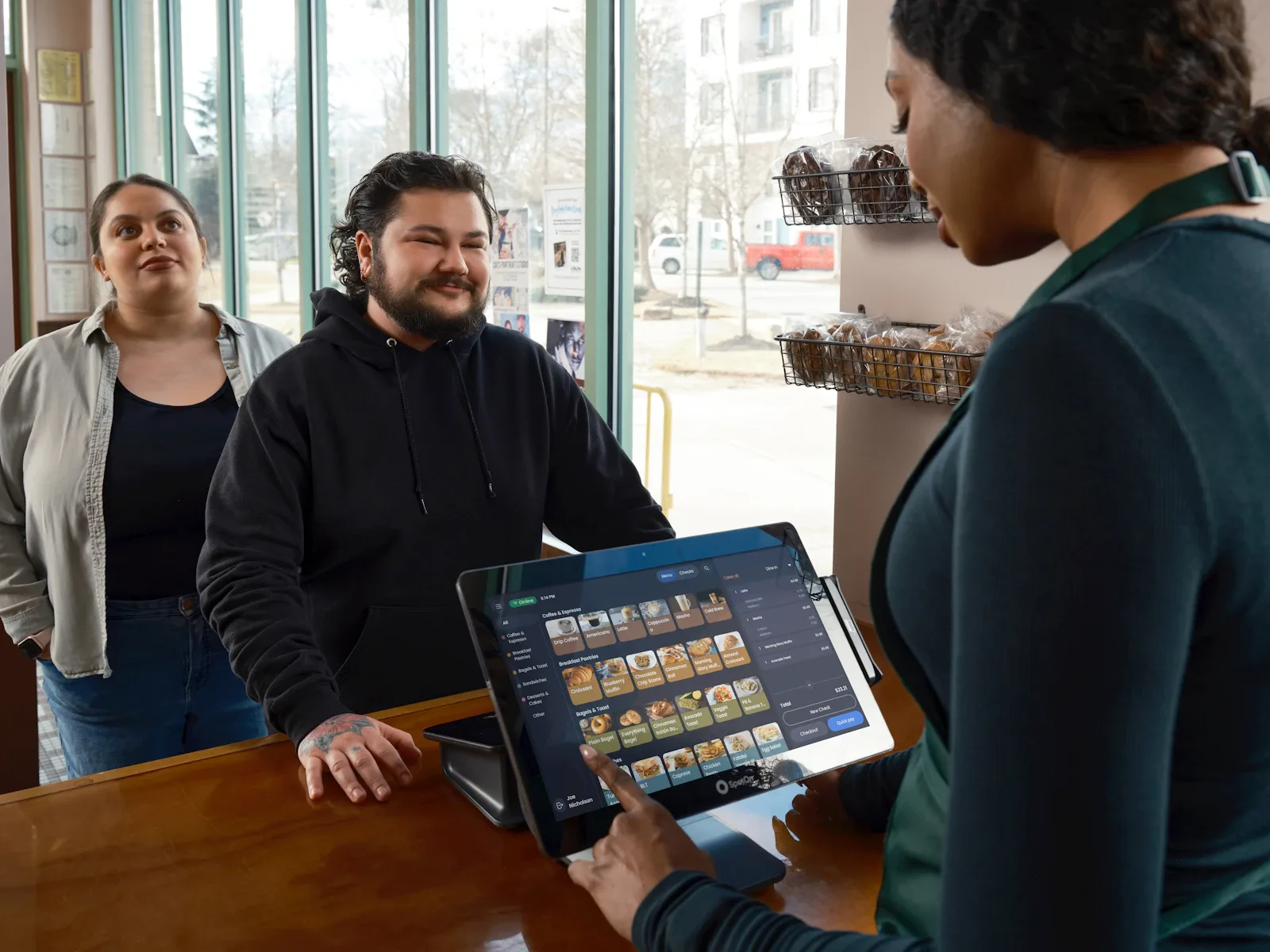
Orders show up the second they’re submitted.
Your team works from one live dashboard — accept, mark preparing, mark ready, all in one tap. The kitchen knows what to cook. The floor knows when food is up. Nothing gets lost between the customer, the server, and the kitchen.
- Orders arrive in the dashboard the moment a customer hits submit — no refresh, no relay.
- One-tap transitions move an order from accepted → preparing → ready, so the timeline stays honest.
- No more paper tickets pinned to a rail. No more shouting modifiers across the kitchen.
Menu-first adoption
Start with a searchable menu, then expand the workflow when your team is ready.
CravingsPH can sit beside a cafe or restaurant’s current POS. Your team keeps its cashier routine while customers get a clearer, easier-to-find menu before they visit.
Build the menu first
Publish photos, prices, descriptions, availability, and allergen notes that customers can inspect before they visit.
Show up when cravings start
Make dishes and branches easier to find from search, discovery pages, shared links, and AI-assisted recommendations.
Keep your existing POS
Use CravingsPH as the menu discovery layer while your cashier, receipts, and settlement stay in the system your team already knows.
Add on-site ordering later
When the restaurant is ready, QR/session ordering can run at the counter, table, or kiosk after the customer is on-site.
Table sessions, table QR codes, and shared table ordering can still be added later for branches that need them. They are not required to launch a menu or become discoverable.
Everything you need to run your operation
One platform. Complete operations.
Menu builder
Categories, items, variants for sizes, modifier groups for add-ons, photos for every dish. Toggle availability in real time as you sell out.
Live order management
Live dashboard, kanban board, order history with revenue and cancellation analytics. Accept, reject, or cancel in one tap.
Multi-branch, one login
Run one shop or a chain. Every restaurant, every branch, every floor — managed from one login under one organization.
Team access
Invite Owner, Manager, Staff, and Viewer roles per branch or across the whole organization. Revoke anytime when things change.
Built for restaurants in the Philippines
Your own ordering system. No commissions, no app downloads, no cost while we onboard our first partners.
No commissions
Every peso your customer pays goes to you. We don’t take a cut of orders — your sales stay yours.
No app to install
Customers scan a QR with the camera they already have. Nothing to download, nothing to remember.
Free for early partners
We’re onboarding our first restaurant partners at no cost while we polish the platform together. No setup fees, no contracts — full pricing comes later, only for new joiners.
Free for our first 3 restaurant partners.
We’re looking for restaurant and cafe owners in the Philippines who want to go digital. Set up takes minutes. No contracts, no credit card, no catch.
Become an early partnerGet in touch
Tell us about your restaurant.
We’ll reach out within 24 hours to walk you through joining our early partner program — free to set up while we’re onboarding our first restaurants.
No contracts or commitments
No credit card required
Free setup and onboarding for early partners